
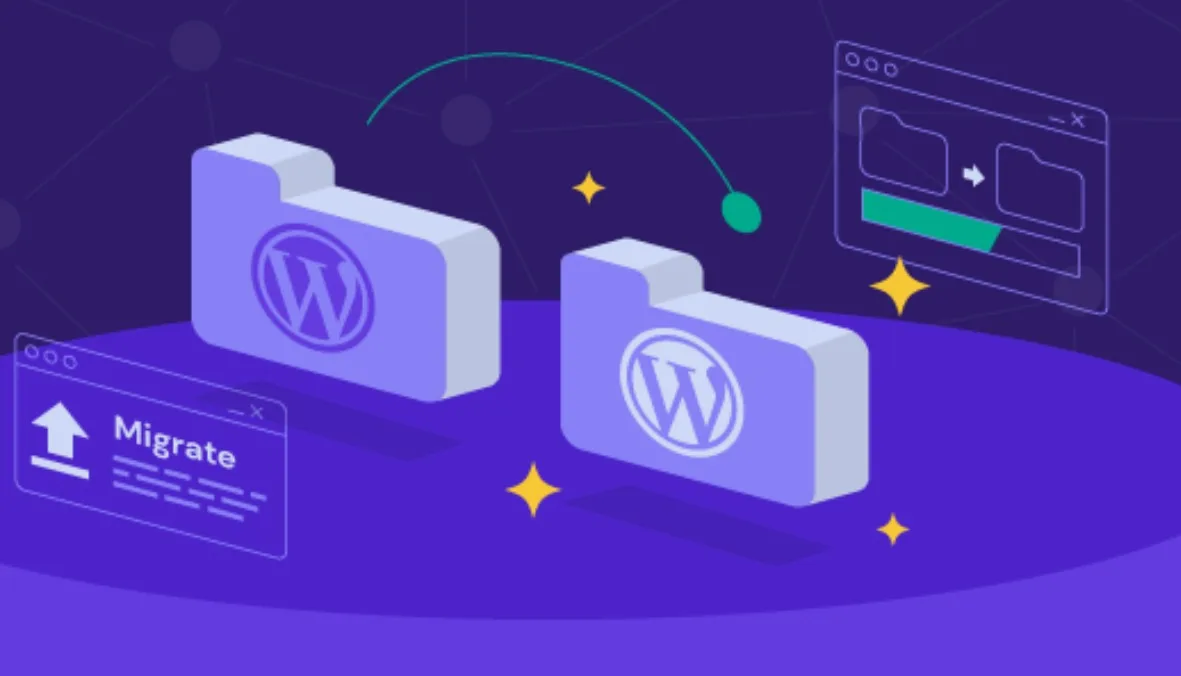
A Step-by-Step Guide to Migrating Your Website Without Service Interruption
A hosting migration involves every layer of your online presence, from files and databases to DNS routing and email systems. When handled incorrectly, it can lead to broken pages, lost data, and reduced search rankings. When handled strategically, users never notice the move.
If your infrastructure includes a QA domain or domain registration in Qatar, careful DNS management becomes the foundation of a zero-downtime migration. With proper planning, validation, and controlled cutover timing, your website hosting and domain environment can transition smoothly without interruption.
1. Pre-Migration Technical Audit Checklist
Before moving anything, conduct a full technical audit. Identify:
- Current server configuration including PHP version and extensions
- Database version and size
- SSL certificate status
- Email hosting configuration
- Cron jobs and scheduled tasks
- DNS records including A record, MX, SPF, and DKIM
- CDN or caching integrations
If your setup includes both a domain name and web hosting under one provider, confirm how they are linked. Many issues during website hosting and domain transitions occur because DNS ownership is unclear.
At QHost, the migration team reviews server stack compatibility and DNS structure before any changes are made. This prevents configuration mismatches and unexpected downtime.
2. Full Backup Protocol
Never migrate without a complete backup. A proper backup should include:
- All website files including hidden files
- Full database export in SQL format
- Email accounts and mailboxes
- SSL certificates
- Configuration files
Store one copy locally and another in cloud storage. If possible, verify the integrity of the backup by testing restoration on a staging environment.
Reliable website hosting services in Qatar prioritize backup automation. QHost ensures full backup validation before proceeding with migration to eliminate data loss risk.
3. Lower DNS TTL Before the Switch
DNS propagation delays are one of the main causes of downtime. Reduce the DNS TTL to around 300 seconds at least 24 hours before migration. This allows DNS changes to propagate quickly once you update the A record or nameservers.
For businesses using domain name hosting services tied to a QA domain, this step ensures that traffic transitions smoothly without extended caching delays.
4. Set Up and Validate a Staging Environment
Never change DNS before testing the new server. Upload files to the new hosting environment and import the database. Use a temporary URL, server IP, or modify your local hosts file to preview the website.
Test:
- All frontend pages
- Admin dashboard
- Forms and login systems
- Payment gateways, if applicable
- Media files and redirects
This staging validation ensures the new website hosting and domain configuration functions exactly like the original environment.
5. Database Export and Import Integrity Checks
Database errors often cause broken websites after migration. Export the database carefully using tools like phpMyAdmin. Import it into the new server and confirm:
- Database name and user credentials match configuration files
- No corrupted tables exist
- Character encoding settings are preserved
After import, update configuration files with the new database credentials. Test dynamic functions such as content publishing and user authentication.
6. Email Migration Sequencing
Email must be handled separately from the website. If your email is hosted with your current provider, recreate mailboxes on the new server before DNS changes.
Sequence the process carefully:
- Back up existing mailboxes
- Create identical accounts on the new server
- Confirm MX, SPF, and DKIM records
- Test inbound and outbound email
This prevents lost messages during propagation. QHost assists businesses by coordinating website and email migration in parallel to avoid communication disruptions.
7. Final DNS Cutover Process
Once testing is complete and TTL is lowered, update your DNS settings. You can either change nameservers or modify the A record to point to the new server IP.
Because TTL was reduced earlier, most traffic will shift within minutes. Keep the old hosting account active for at least 48 hours to support any residual cached requests.
For businesses that completed qa domain registration through QHost, DNS updates are managed within a controlled environment to ensure consistency.
8. Post-Migration Performance and Error Validation
After propagation stabilizes, monitor:
- Server access logs
- Error logs
- Page load speed
- SSL certificate validity
- Redirect accuracy
- Email functionality
Check SEO-sensitive elements such as canonical URLs and HTTPS redirects. Many web hosting companies in Qatar overlook post-migration validation, but this stage is critical.
9. Rollback Contingency Planning
Always prepare a rollback plan. If unexpected issues arise:
- Repoint DNS to the old server
- Restore the previous backup
- Investigate configuration mismatches
Because the old server remains active during propagation, reverting is possible without major disruption.
Moving your website should feel like progress, not pressure. When the migration is planned carefully, with verified backups and controlled DNS updates, your visitors never experience disruption. The transition becomes a technical process happening quietly in the background.
If you operate in a QA domain or have completed domain name registration in Qatar, QHost ensures your website hosting and domain setup remain fully aligned throughout the move. From domain registration Qatar to secure server transitions, the focus is always on stability, speed, and uninterrupted access.